

Garfield and Odie cursor
34Free
Garfield and Odie custom cursor is part of a fantastic collection for Chrome, featuring Merry Christmas and Happy New Year wishes.
Browse our full collection of custom cursors. Find your next favorite style and install it for free.
Garfield and Odie custom cursor is part of a fantastic collection for Chrome, featuring Merry Christmas and Happy New Year wishes.

The Santa Claus Outfit has been included in our Merry Christmas and Happy New Year custom cursors collection for Chrome.
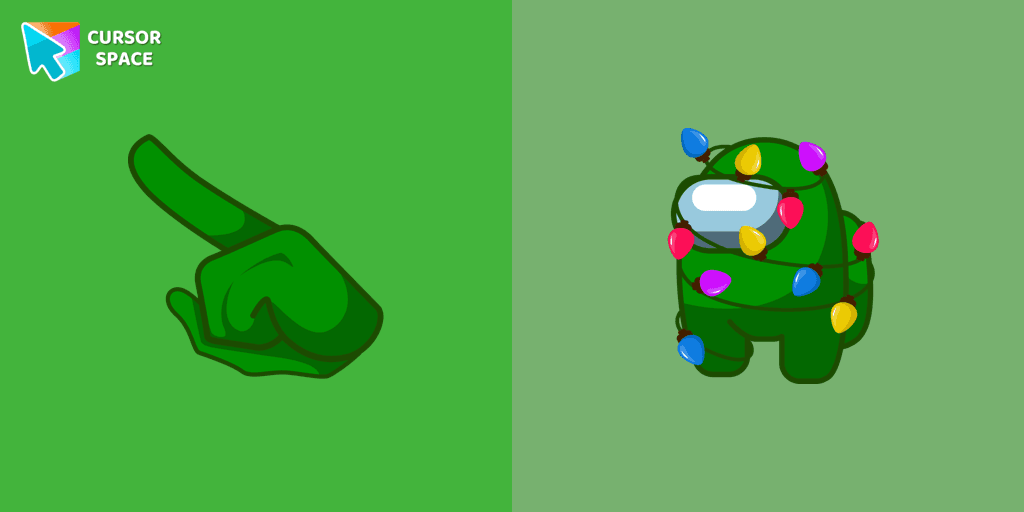
A beautifully designed Among Us Christmas Tree custom cursor from our Merry Christmas and Happy New Year cursor collection.

A festive custom cursor showcasing an Among Us Lollipop, part of a cursor collection for the Chrome browser.
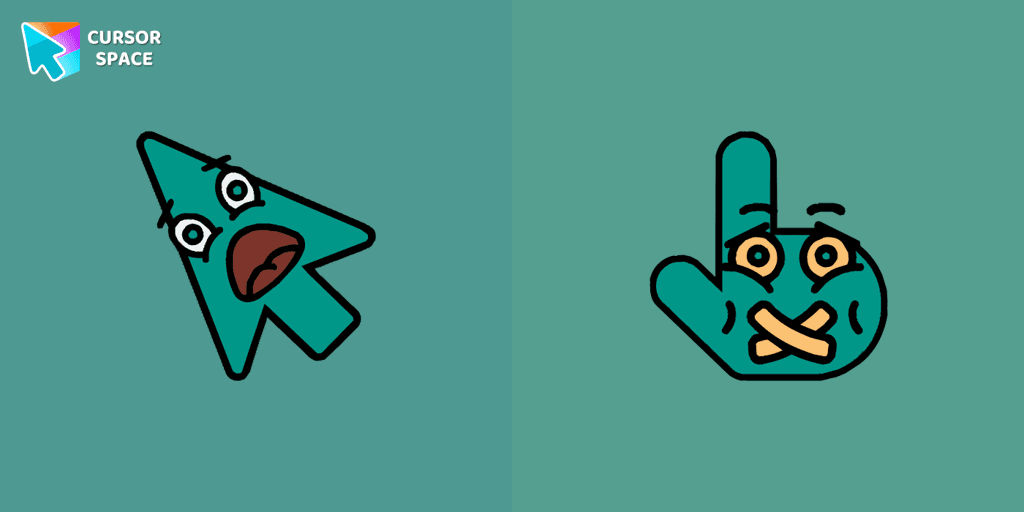
Scared Cursor Emoji is a fun and expressive custom cursor for Google Chrome. With a wide-eyed startled emoji, it adds a playful touch of fright to your screen.

Enhance your browsing with the alluring Aqua custom cursor. Upgrade your custom cursor for Google Chrome and enjoy a fresh, stylish pointing experience.
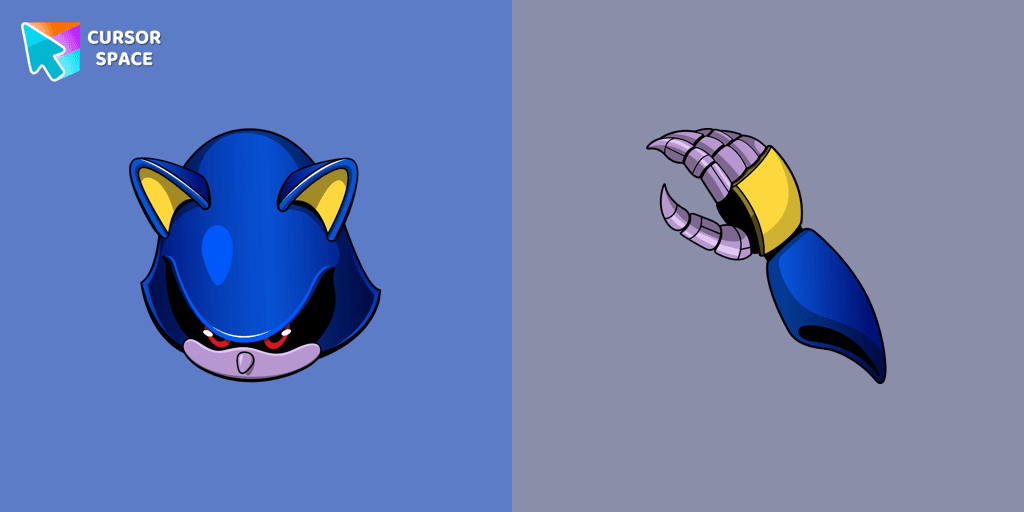
The custom cursor for the mouse and pointer from our Sonic collection will allow you to navigate the tab at the speed of a Metal Sonic.
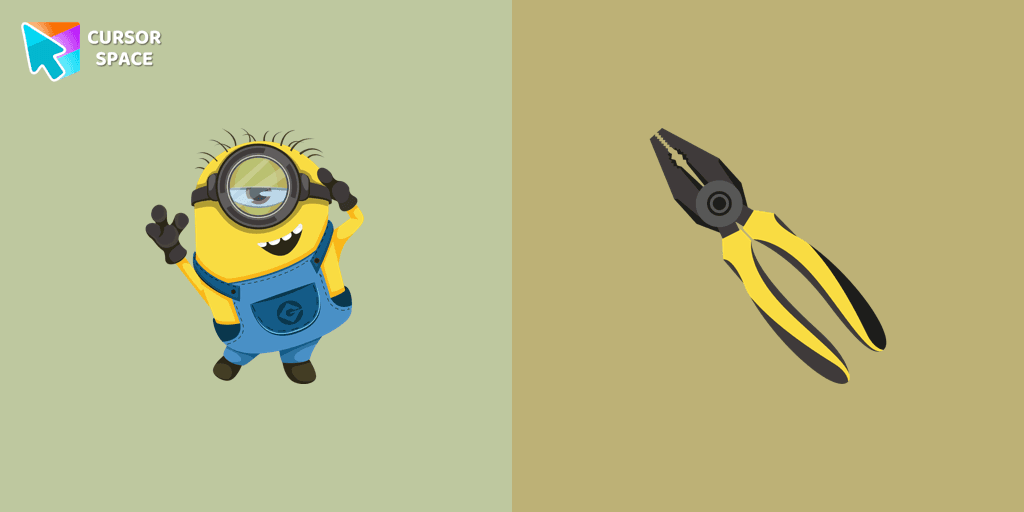
We suggest you, too, relax while surfing the web with a custom cursor with Stuart the Minion.

Discover Uranus with a custom cursor for Google Chrome. Explore the galaxy with our Space custom cursors collection, bringing the cosmos to your screen.

Here is a cute mushroom cursor for the mouse. Make your browsing more individual with The cutest custom cursors collection for the mouse and pointers. Mushroom custom cursor in your browser.

The Surprised Cursor is a fun custom cursor for Google Chrome that adds a quirky touch to your browsing. Enjoy an animated surprised face for a unique experience.

The cake custom cursor from our Easter cursors collection for mouse and pointer.
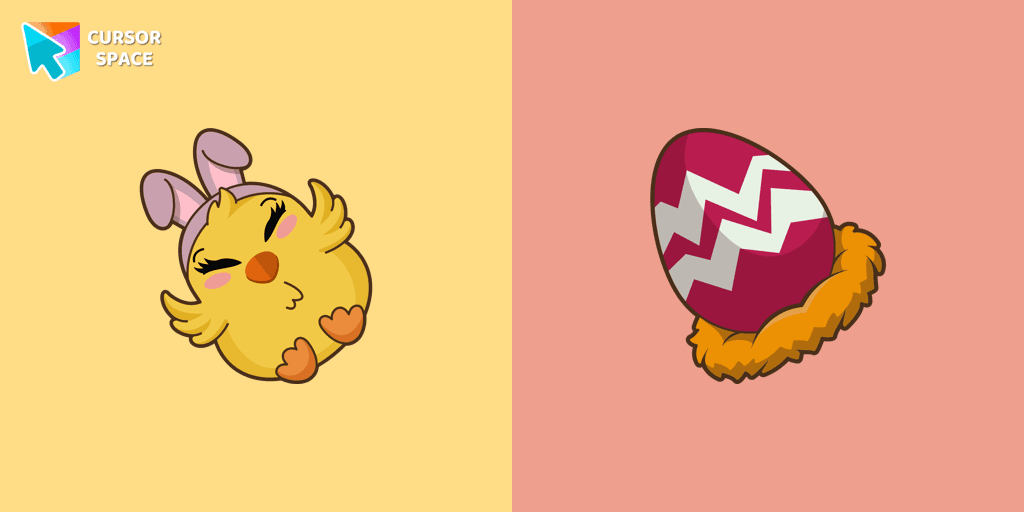
A colorful egg as a cursor for the mouse and Easter Chick pointer will look pretty nice on your screen.

Enhance your experience with The Red Line custom cursor, which combines sleek minimalism with bold style and practical design for desktop and browsing.

Enhance your interface with the Mix custom cursor set- a charming and stylish choice that adds uniqueness and enjoyment to your browsing experience.

Rick and Morty is a science fiction comedy series from the United States. Merry Christmas and Happy New Year!

In our cute custom cursors collection with Minions, we depicted the Minion Hades as a custom cursor for the browser in beautiful graphics.

The Cursors for Chrome set features the delightful Blue Bug cursor and a sleek pointer, bringing both fun and elegance to your browsing experience.

The Jolly cursor, a remarkable addition to The Cursors' collection, boasts an attractive design and smooth functionality, delighting users who seek an improved browsing experience.

Enhance your desktop with our Contemporary Cursor Pack, showcasing modern custom cursor designs. Personalize your experience with a sleek and unique style.
Cursor Space packs include curated cursor sets for everyday browsing: cute, minimal, anime, neon, pixel art, and more. Each pack comes with multiple cursor states (like default and pointer) and can be added to your browser in seconds.
Fresh picks based on what people install most often.
Browse themed sets grouped by vibe and aesthetic.
See weekly, monthly, and all‑time leaders.
Quick answers to common questions about cursor packs, collections, and installation.
Most cursor packs on Cursor Space are free to browse and install. Some packs may be marked premium depending on licensing. The Cursor Space browser extension is free to install from the Chrome Web Store.
Yes. Install the Cursor Space extension for Chromium-based browsers (Chrome, Edge, Brave), open a pack page, and click install/apply. The extension applies the cursor set across your browser.
Open the pack page, click the install or add button, install the Cursor Space extension if prompted, then apply the pack from the extension popup. Your new cursor appears immediately.
Yes. Open the Cursor Space extension, choose another pack, or restore the default system cursor from the extension settings.
Cursor Space is distributed via the Chrome Web Store and Edge Add-ons. Keep the extension updated, and only install packs from trusted catalog pages on this site.