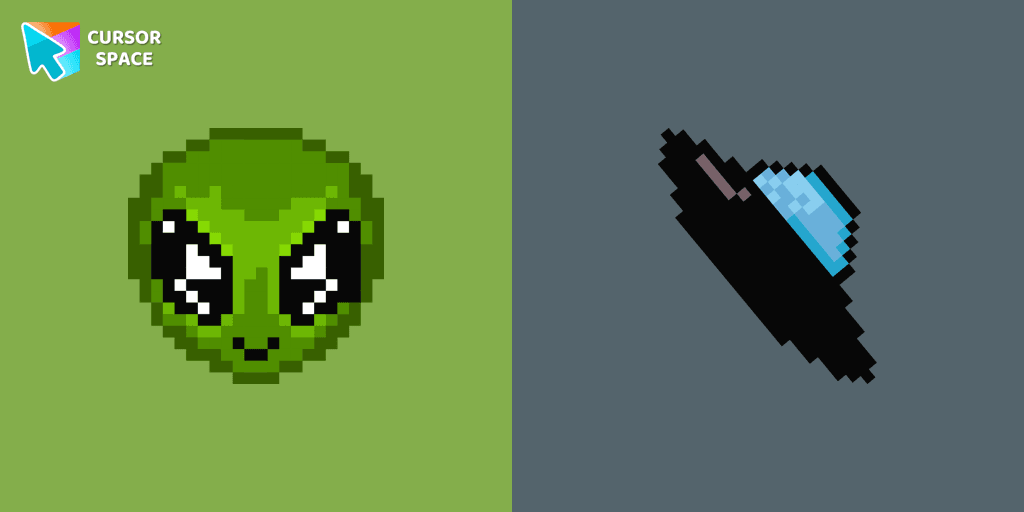
Alien Pixel cursor
174Free
Transform your browsing with the cute custom cursor featuring an Alien Pixel design. Perfect for Chrome users and Pixel art fans
Install the Cursor Space extension for Chrome or Cursor Space for Edge in your browser.
On this page, click "Add this cursor pack to the extension".
Open the extension and go to the Packs tab.
Find the custom cursor pack "Sucrose cursor" and click it.
Enjoy!
Get this cursor pack and thousands of others by installing our extension. It's fast and free!
Sucrose Cursor is a themed cursor pack you can add to your browser to personalize your pointer across common cursor states (default and pointer). Use it for everyday browsing, streaming, studying, or gaming-anywhere you want your cursor to match your vibe.
See how the cursors look before installing.
Add the pack to the extension in a few clicks.
Designed for Chrome and Edge via the extension.
Quick answers to common questions about cursor packs, collections, and installation.
Yes. To apply cursor packs in Chrome or Edge, install the Cursor Space extension and add this pack to it.
Cursor packs are designed for Chromium browsers like Chrome and Microsoft Edge.
Open the extension, choose another pack or disable the current one to return to your default cursor.
Custom cursor and packs - neon, anime, pixel art. Quickly add to Chrome and Microsoft Edge for free
Transform your browsing with the cute custom cursor featuring an Alien Pixel design. Perfect for Chrome users and Pixel art fans

Transform your desktop with Oreo Spark Purple Cursors. Add magic and allure to your interface with captivating custom cursors.
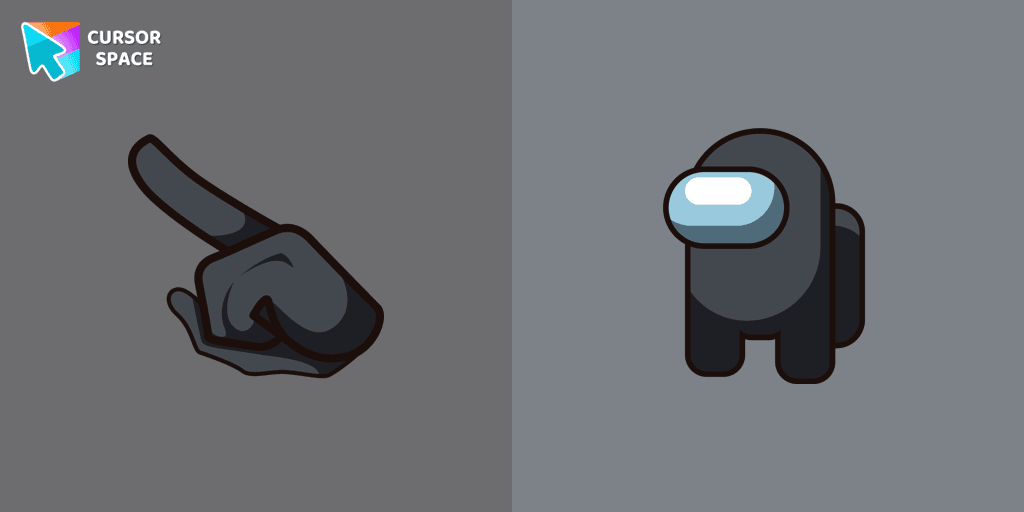
Unleash the Stealthy Excellence with Among Us Black Character Cursor

Swing into Action with the Among Us Spider-Man Character Cursor
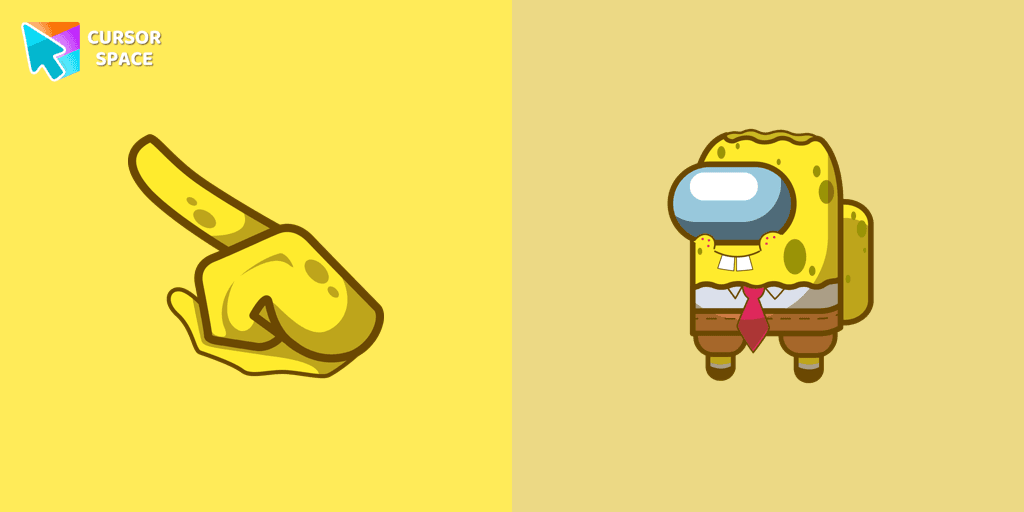
Our collection of custom cursors for Chrome now features the Among Us Spongebob Character cursor.
Among Us players have the option to select from a variety of colors to customize their in-game characters. In fact, there are 18 different hues available for selection in the game lobby.
Transform your browsing with the Spiderman custom cursor for Google Chrome. Enjoy the thrilling design and web-slinging animations of this iconic superhero.

Enjoy a fun browsing experience with the Donut Textures custom cursor. Inspired by American films, this custom cursor for Google Chrome adds sweetness to your screen.

Enchant your screen with Oreo Spark Purple Cursors. Add magic and allure to your desktop with these captivating custom cursors.

Add color and charm to your browsing with the Colorful Gradient Textures custom cursor. Express your style with this vibrant custom cursor for Google Chrome.

Enter the World of Dragon Ball with the Among Us Son Goku Character Cursor

Blue Pixel Cursor is a custom cursor from our custom cursors collection for Chrome.
Installation leaders from "Genshin Impact Cursor Collection": free packs, neon/anime/pixel art, quick add to Chrome and Edge.
Incredible Raiden Shogun as a custom cursor for the mouse and pointer with which we can spend many hours of fun.
Add Xiao cursor in the collection of custom cursors with Genshin Impact for the browser.
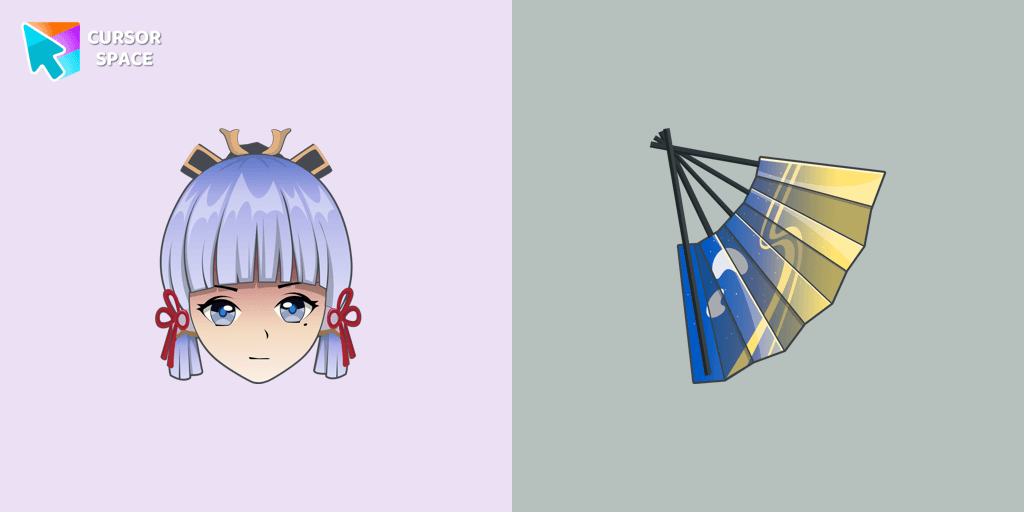
Сustom cursor with Ayaka includes a mouse cursor in the form of a fan and a hover pointer with Kamisato Ayaka.
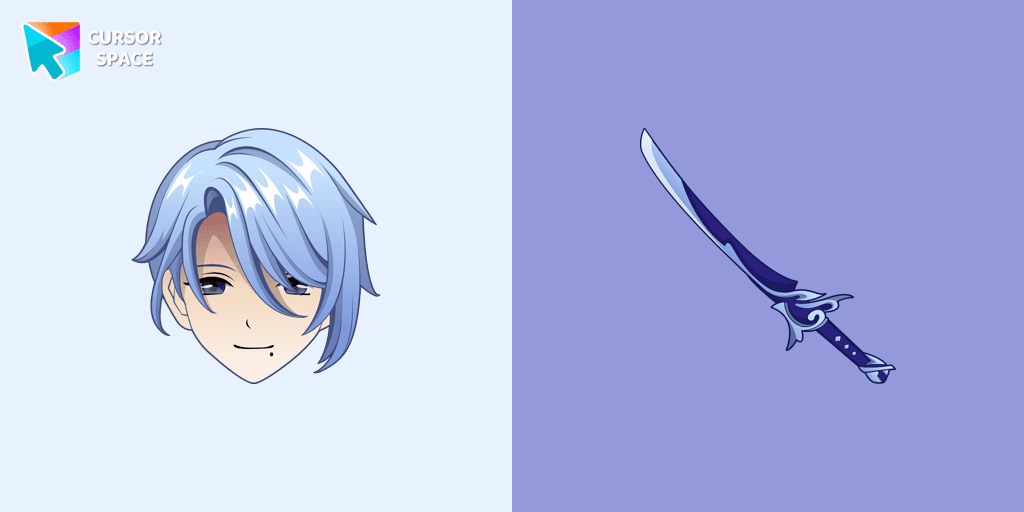
Kamisato Ayato custom cursor from our custom cursors collection for Chrome will change your default mouse pointer to the Genshin Impact character.
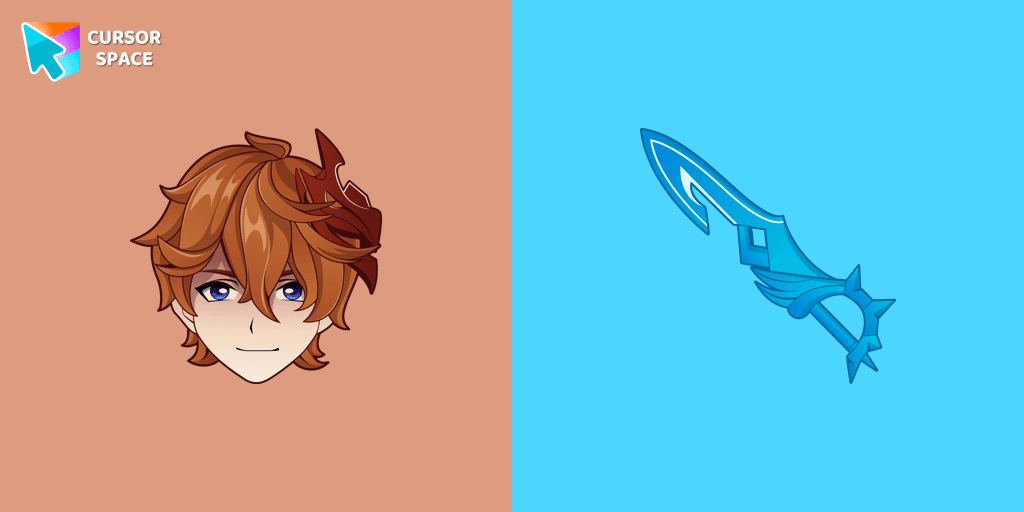
Our Genshin Impact custom cursors collection for Chrome will allow you to use the Tartaglia character as a custom cursor for the mouse and pointer.
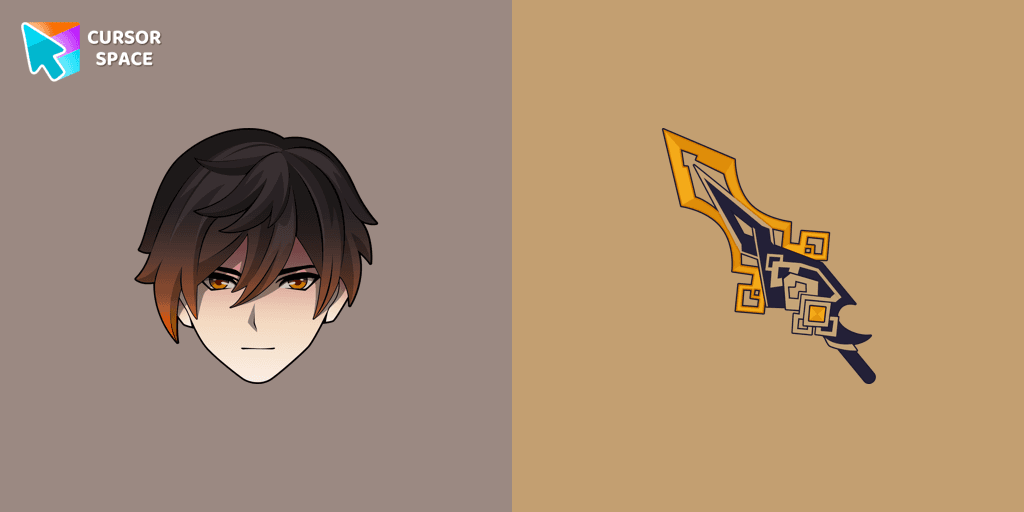
We are glad to present this custom cursor with Zhongli from the adorable custom cursors collection for the mouse and pointer.
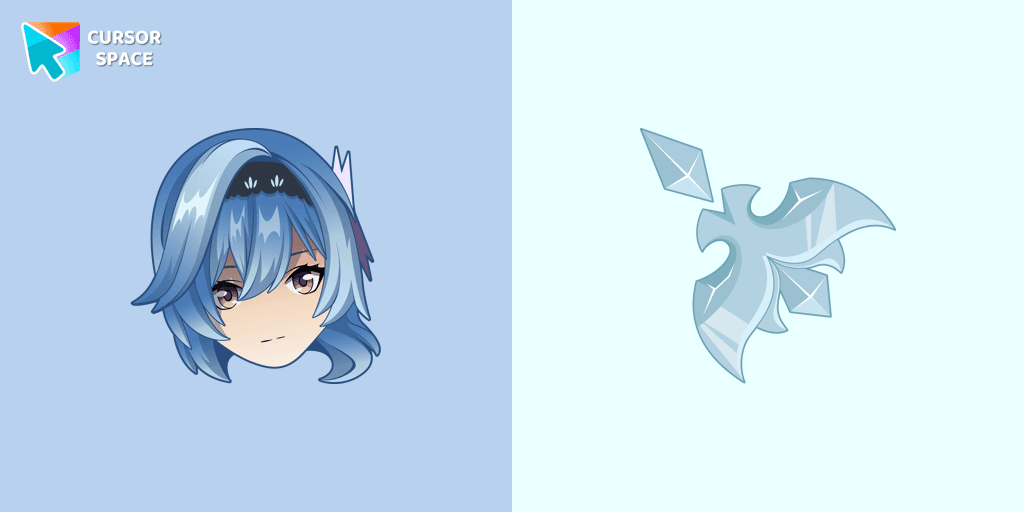
Eula cursor for mouse and custom hover pointer with character's weapon in Genshin Impact collection of custom cursors.
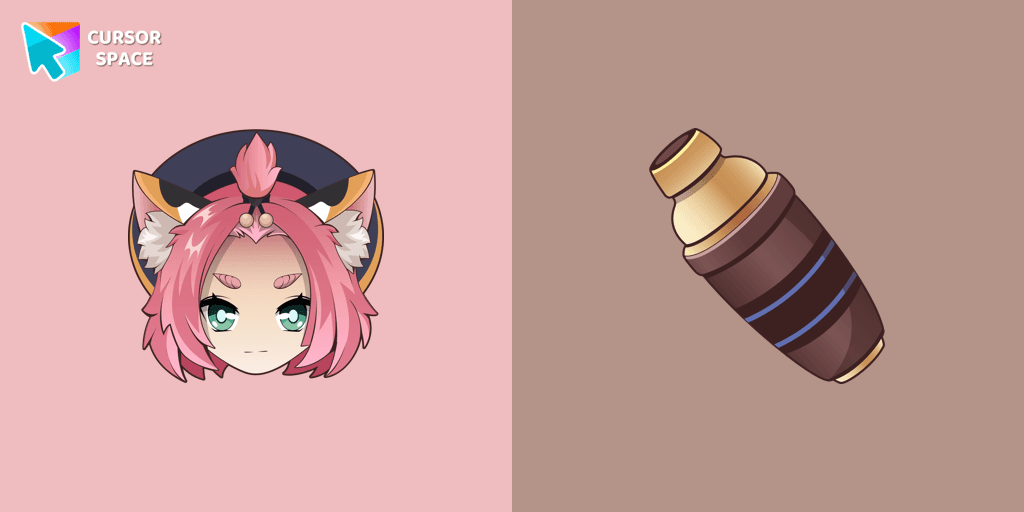
Diona cursor element is a cute custom mouse and pointer cursor with stylish pointing.
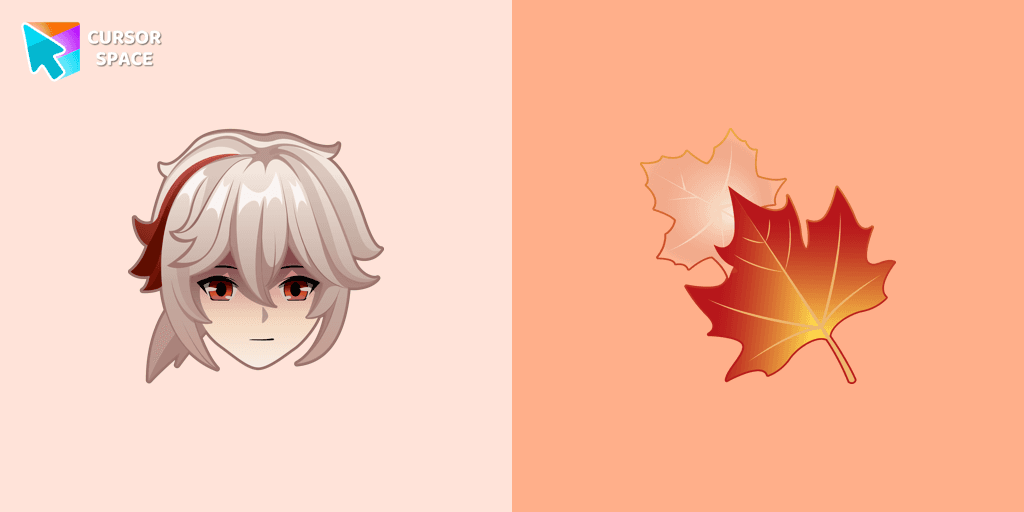
Genshin Impact for Chrome cursor set has a custom cursor Kazuha as a pointing device.
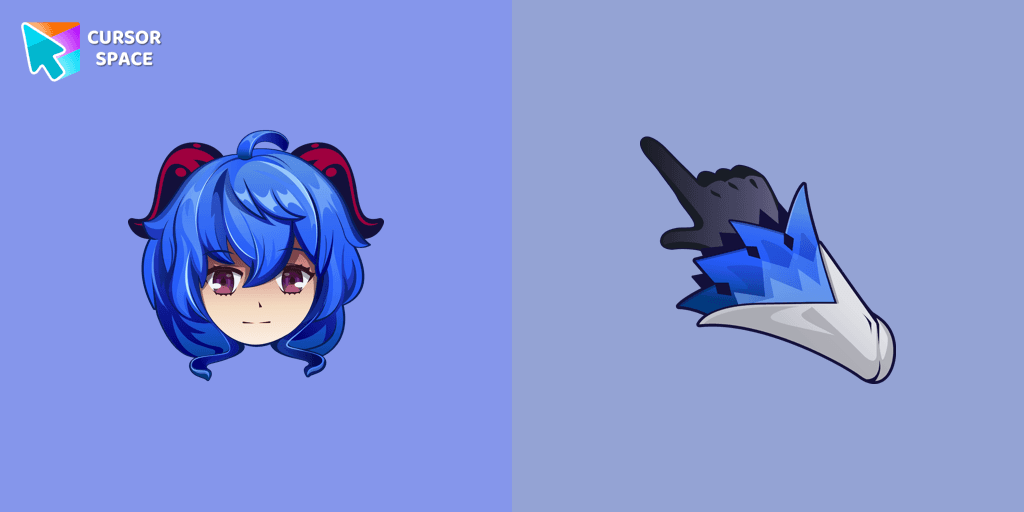
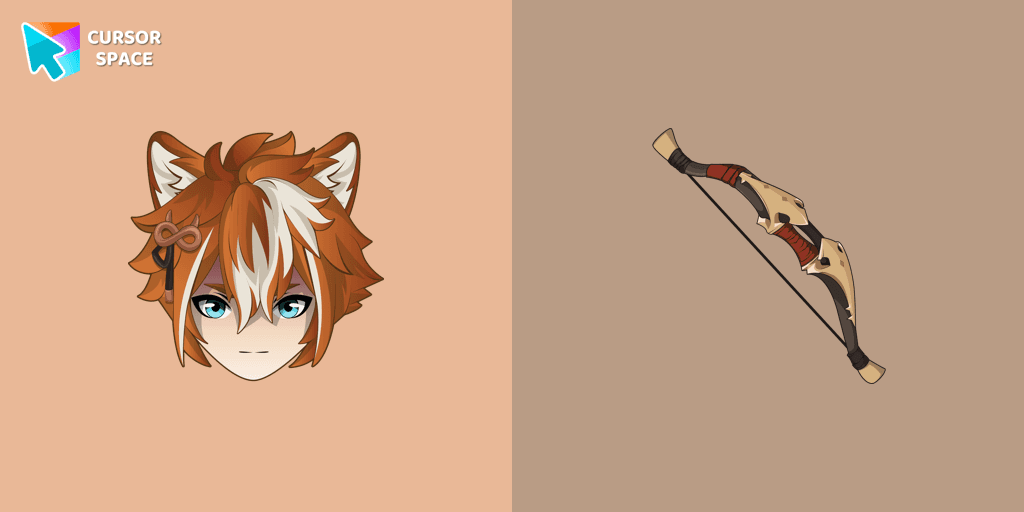
If you want to change the default cursor to Gorou, you are welcome to our collection of cursors Genshin Impact in a variety of moods.
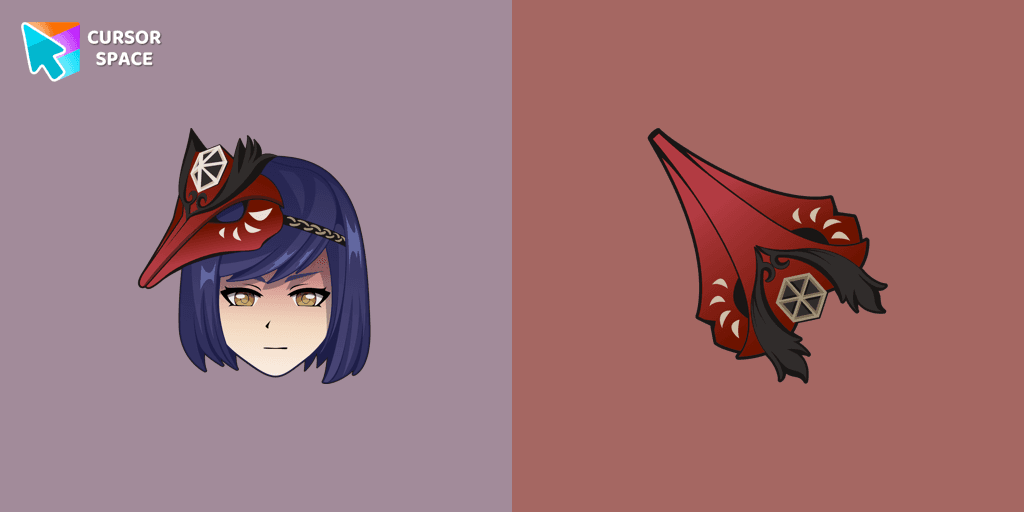
We are glad to present this cute custom cursor with Kujou Sara from the adorable custom cursors collection for the mouse and pointer.
Add packs instantly and unlock access to thousands of cursors: neon, anime, pixel-art, and more. Fast, safe, and free.
Cursor Space is an extension for changing your mouse cursor in Chrome and Edge browsers: themed collections, HiDPI icons, neon, animated, and pixel cursors, with quick installation.